
Structure
Posts, beams and connections follow the selected dimensions automatically.
Digital sales for pergolas
Customers experience dimensions, louvered roofs, side panels, colours and options directly on your website—visually compelling, technically consistent and ready to enquire.
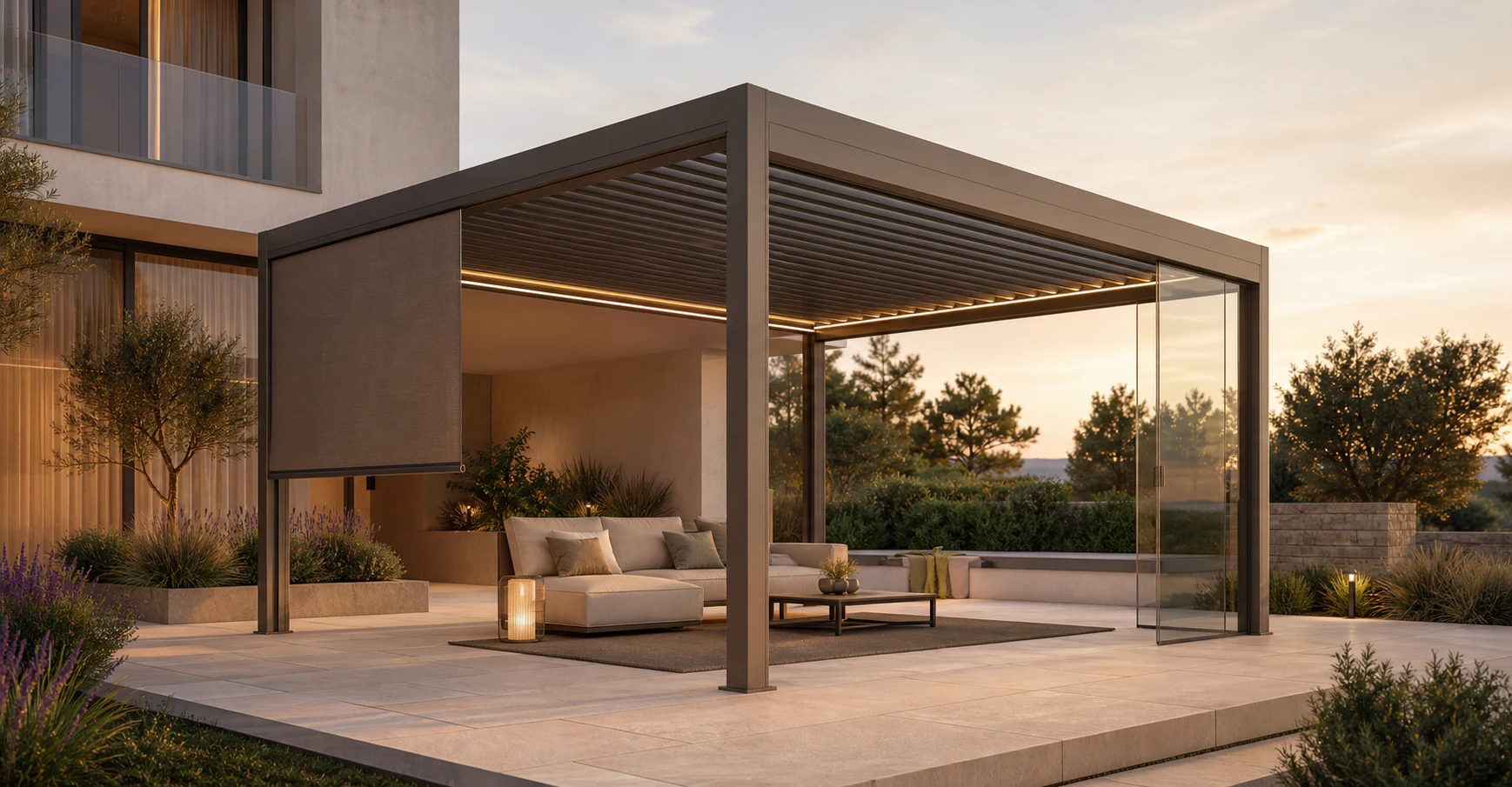
From outdoor ambition to concrete enquiry
The desired pergola becomes tangible early while sales receives the dimensions, options and product decisions that matter for the next consultation.
Dimensions, roof, colour, screens, glazing and lighting are experienced directly on the product.
Dependencies keep the selection inside the variants supported by your range.
The enquiry contains a concrete view plus unambiguous parameters and equipment.
Customers see their desired product; your team starts the conversation with a robust configuration.
Recent confBuild projects
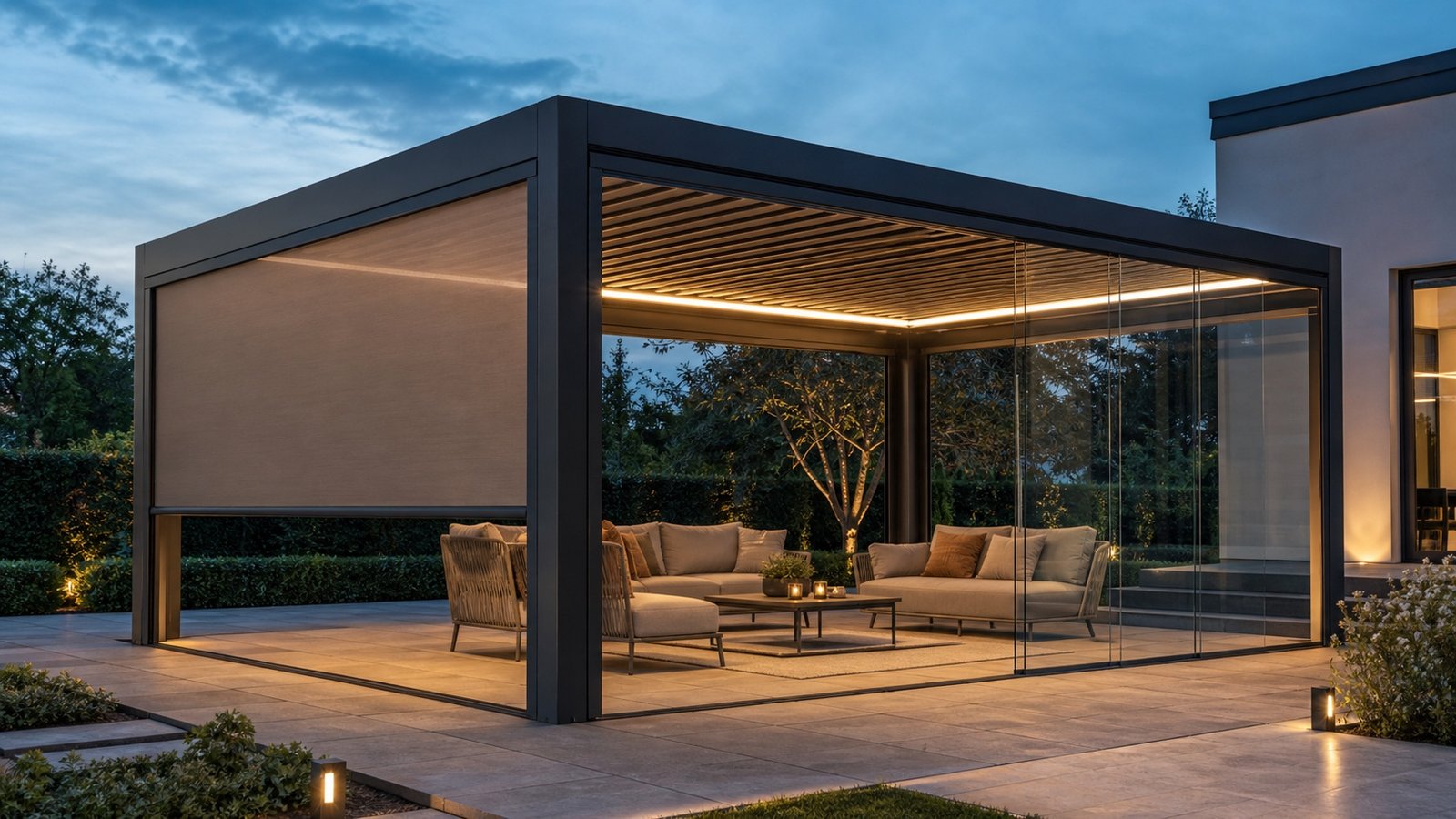
Recent confBuild models show how posts, beams, roofs and foundations become a truly configurable assembly—an ideal foundation for your product range.
This could be your product ↗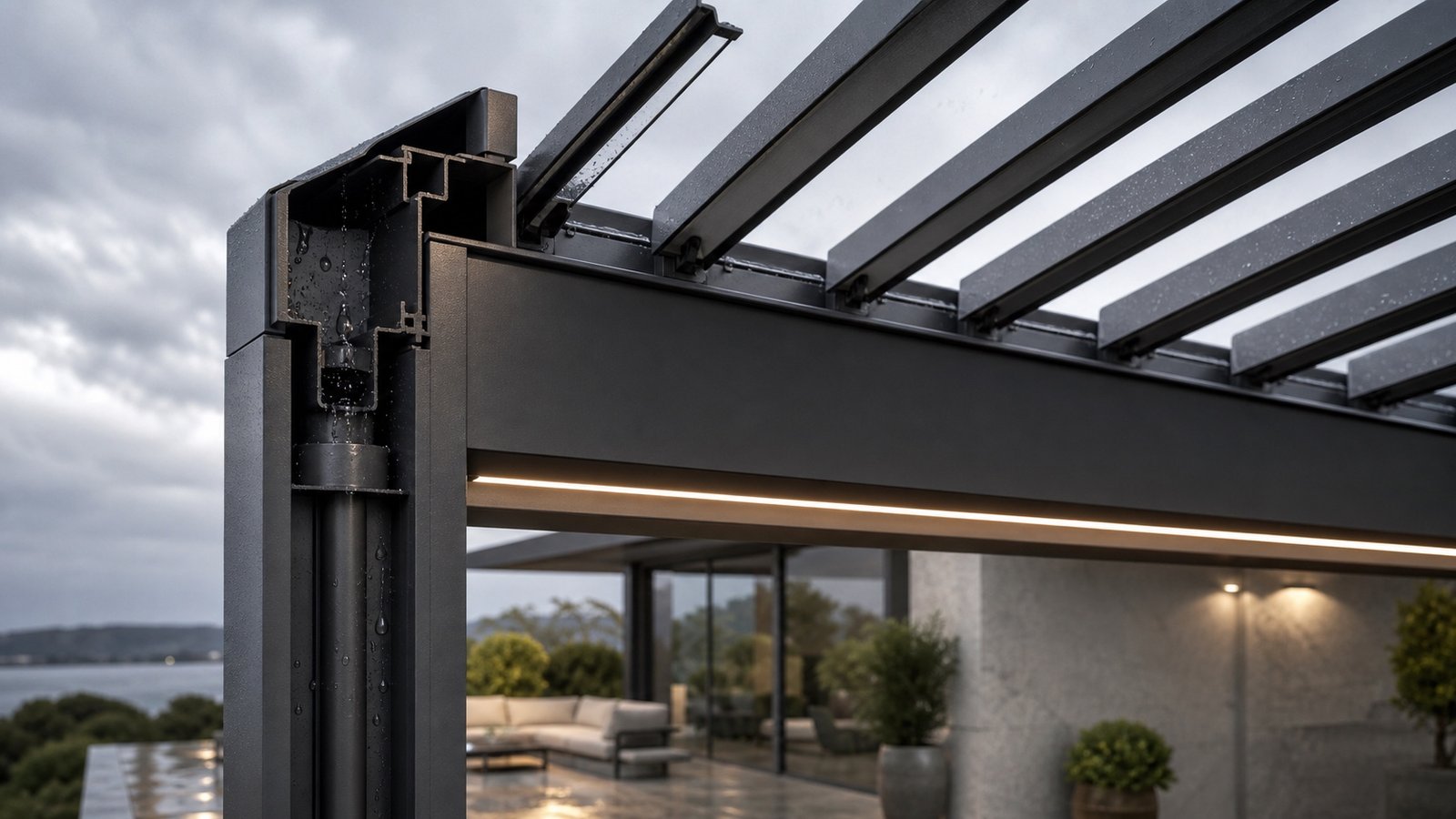
System anatomy instead of catalogue pages
The new system graphic shows how structure, louvered roof, drainage, lighting and side elements respond to the same product parameters.
Map my product system ↗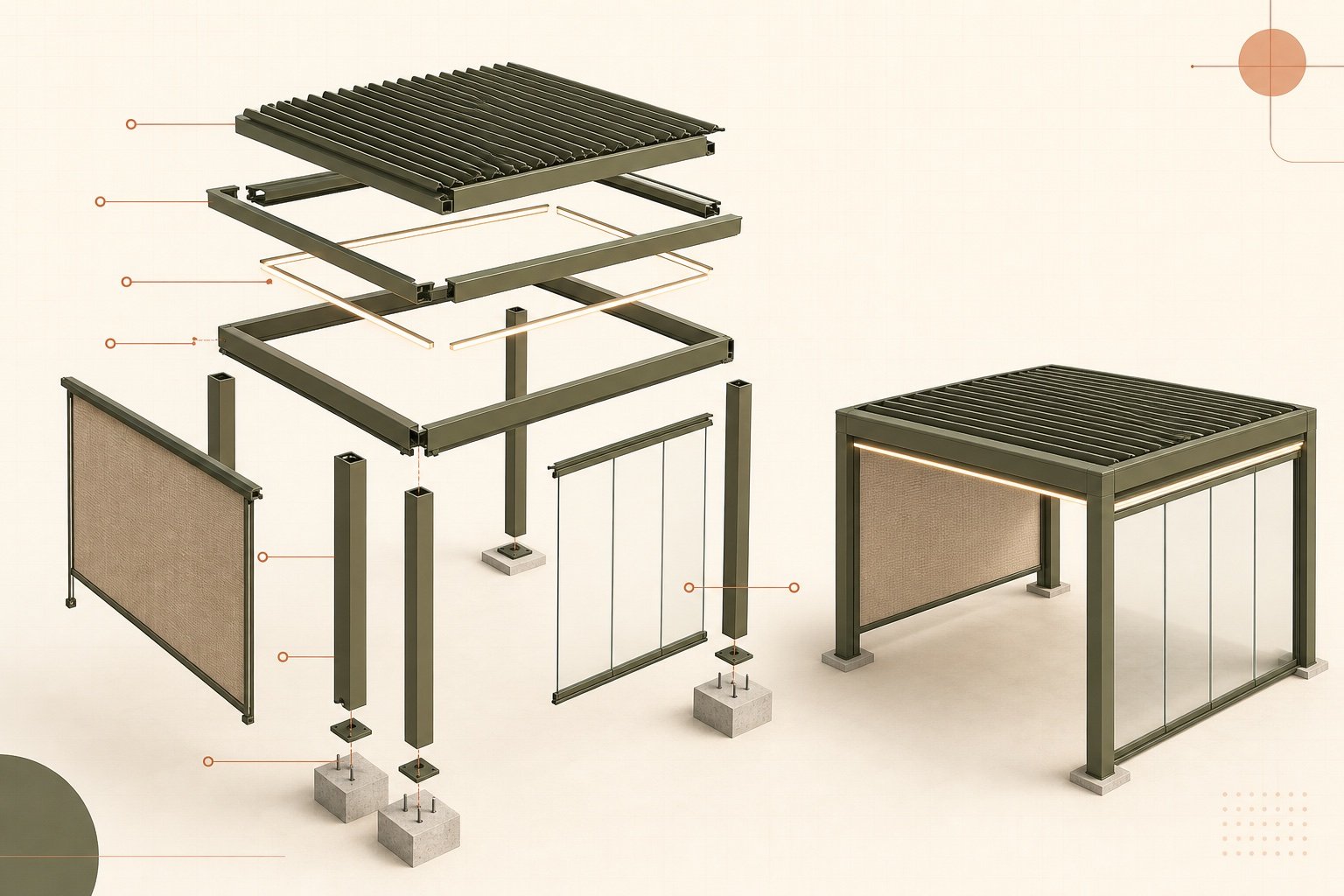
Posts, beams and connections follow the selected dimensions automatically.
Louvers, gutters and roof details remain consistent as one dependent system.
Screens, glazing and lighting are offered only where they technically fit.
The selected variant provides clear parameters, assemblies and a qualified enquiry.
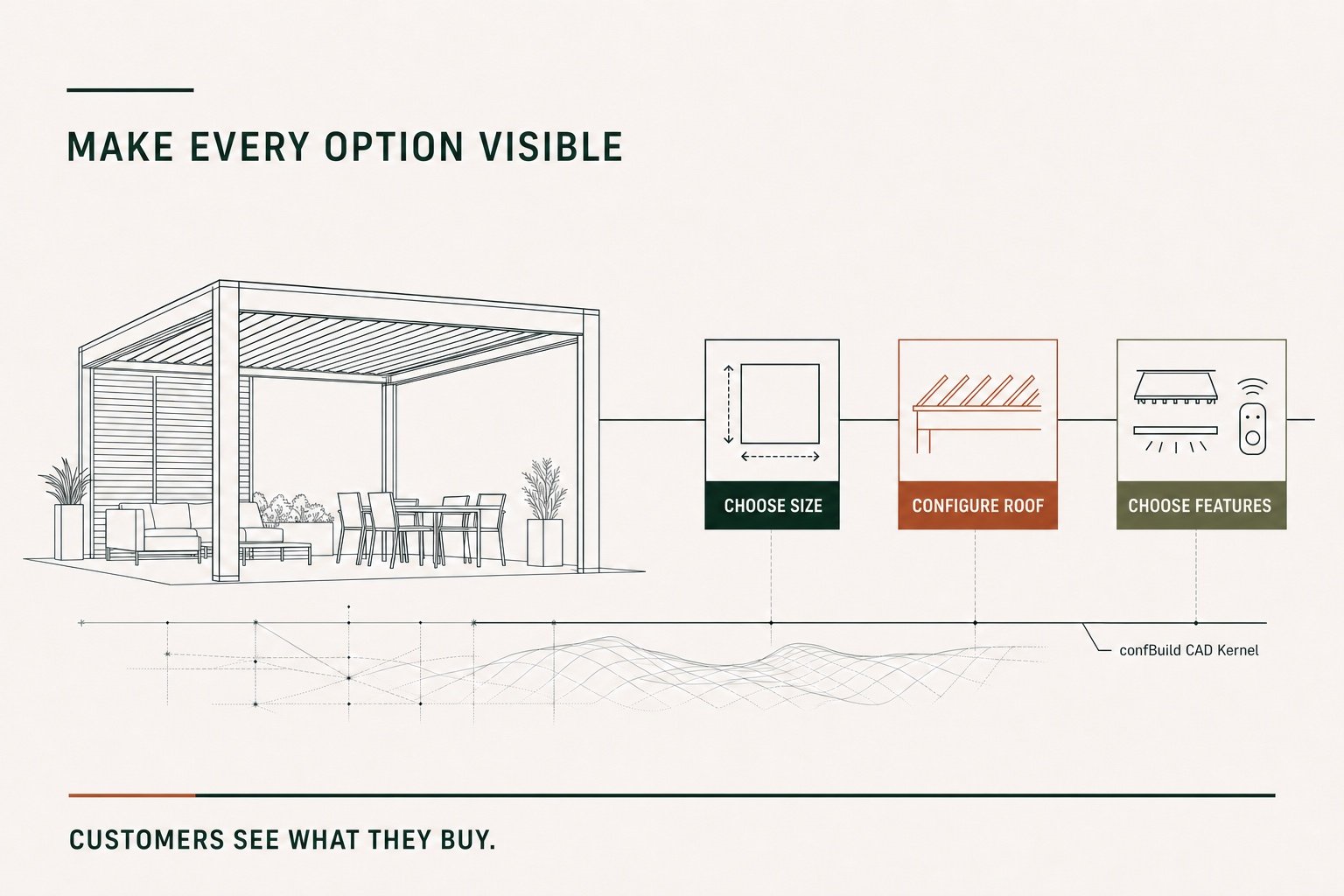
From product options to a buying decision
The restrained process graphic makes it immediately clear how selections and product logic become a concrete, qualified enquiry.
Powered by the confBuild CAD kernel
The confBuild CAD kernel recalculates your pergola from product parameters and assembly rules. Change a dimension and roof, posts, side panels and accessories respond as one coherent product system.
Experience the CAD kernel →The same parameters reliably produce the same geometry—reproducible instead of merely similar.
Parts and accessories remain connected through clear dependencies and product rules.
Structured parameters and component data can feed enquiries, BOMs and subsequent workflows.
Interactive in the web browser—without local CAD installation and directly in your sales experience.
More than a beautiful 3D view
The configurator turns product variety into an inspiring buying experience—without asking prospects to understand catalogues or technical tables.
Check the potential for my range →Roofs, colours and side panels become visible directly on the 3D model.
Sales receives a concrete desired configuration instead of a vague enquiry.
Parameters and components provide a clear basis for costing and quotation.
White-label, mobile and tailored to your premium outdoor brand.
Focused remote pilot
We capture variants, dimensions and rules for one high-demand pergola.
We build the 3D model, controls and enquiry flow as a focused prototype.
The pilot runs in your brand and is refined together with your sales team.
Ready for a digital showroom?
In 20 minutes we identify the best pilot product and map out a sensible first step.
Contact
Briefly describe your product or assembly – you will get a reply within one business day.
Prefer plain email? daniel@confbuild.com
Prefer to talk? Book a 30-minute call →
A service by confbuild.com – parametric 3D configurators for your product.
Book a call
Choose a free 30-minute slot. You get a calendar invitation right away – no sign-up, no back and forth.
Prefer to write? Go to the contact form
Loading available times …
Please pick a day first.
The calendar invitation is on its way to your inbox. It also contains a link to cancel the appointment.